 IDEAS THAT CHANGE THE WORLD
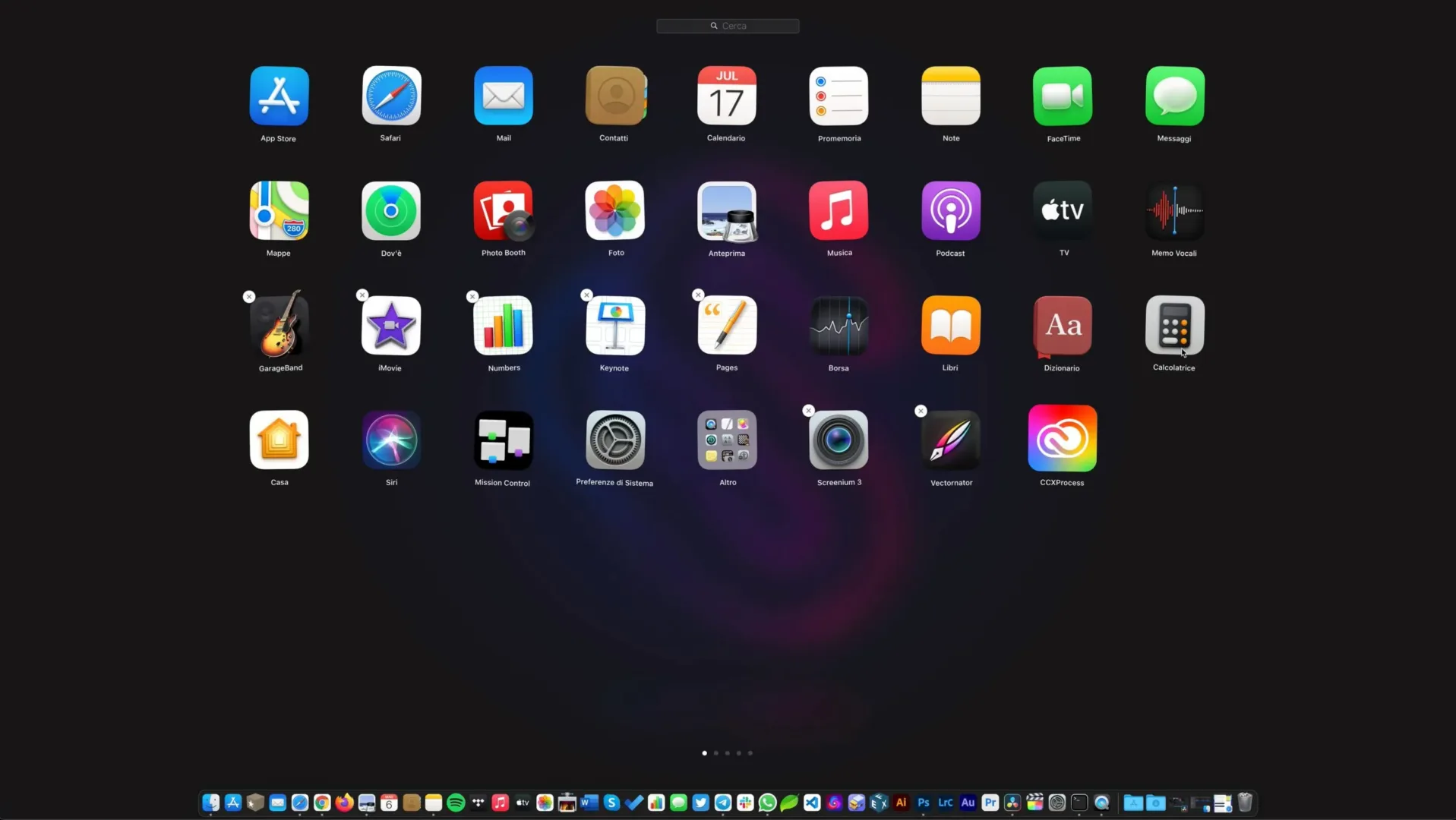
The operating system on Apple computers is famous worldwide for its clean interface, minimalist appearance and incredible software stability. Many users, however, are unaware of some extremely useful built-in tools. Exploring options hidden in menus or lesser-known keyboard shortcuts can radically transform everyday use and make work or study time more efficient. In this guide, we will discover 5 macOS features you absolutely should know about.
Capture your screen and record professional videos with QuickTime
The first of the 5 macOS features to know concerns a longstanding application that most people associate exclusively with playing media files on their computer.
Let’s start with QuickTime , which, no, is not just for playing videos or audio tracks on your monitor. This software contains a very powerful built-in recording centre that removes the need to install bulky or paid third-party programs. Open the application and select the File menu, and you will discover that it can also record video by capturing the entire screen, a specific area selected manually, or even a single, specific app window. When you are done, simply press the stop button in the menu bar at the top to save the clip in high definition: an ideal feature for creating tutorials, recording video calls or saving important steps in your work.
Manage files with Quick Actions and convert images to PDF
Another exceptional feature of the Apple operating system is its ability to manipulate files directly from Finder, without forcing you to open photo-editing programs or online converters that put the privacy of your data at risk.
This automation proves extremely useful for everyday document management. If you open a photo on the desktop and right-click it, you will find Quick Actions at the bottom: a smart contextual submenu offering several instant editing options.

Among its various possibilities, this tool lets you change a photo’s format in just a few seconds, reduce its overall size to attach it to an email and even turn it into a PDF in one click, producing a document ready for institutional or professional sharing.
Capture individual windows with perfect screenshots and professional shadows
Everyone knows how to take a picture of their entire computer screen, but very few know the precise key combination for isolating a single visual element on the desktop, producing a flawless graphic result to publish or insert into a business presentation.
To take a screenshot of a window rather than the entire screen, the built-in procedure requires a small sequential trick: press Command + Shift + 4 and immediately afterwards press the space bar on your keyboard.
The mouse pointer will instantly turn into a small camera icon. At this point, move around the display and click the window you want with the mouse. The result is automatically saved to the desktop as a PNG with a transparent background, excluding all the surrounding clutter and even including a beautiful, realistic, professional-looking shadow around the edges of the captured window.
Improve concentration and relax with built-in background sounds
The last option, and the most interesting, is designed to look after users who spend all day working at their computer.
To relax after many hours at the computer when you need to shut out the outside world, there is no need to open music players or look for audio tracks online. Go to System Settings, click the Accessibility section, select Audio and enable Background Sounds. This built-in option will play a steady, relaxing stream of sound directly through your headphones or computer speakers.

You will be able to choose between white noise, pink noise, the sound of heavy rain, the flowing ocean or a babbling stream in the woods, helping you refresh your mind without ever taking your hands away from your workstation.