 IDEAS THAT CHANGE THE WORLD
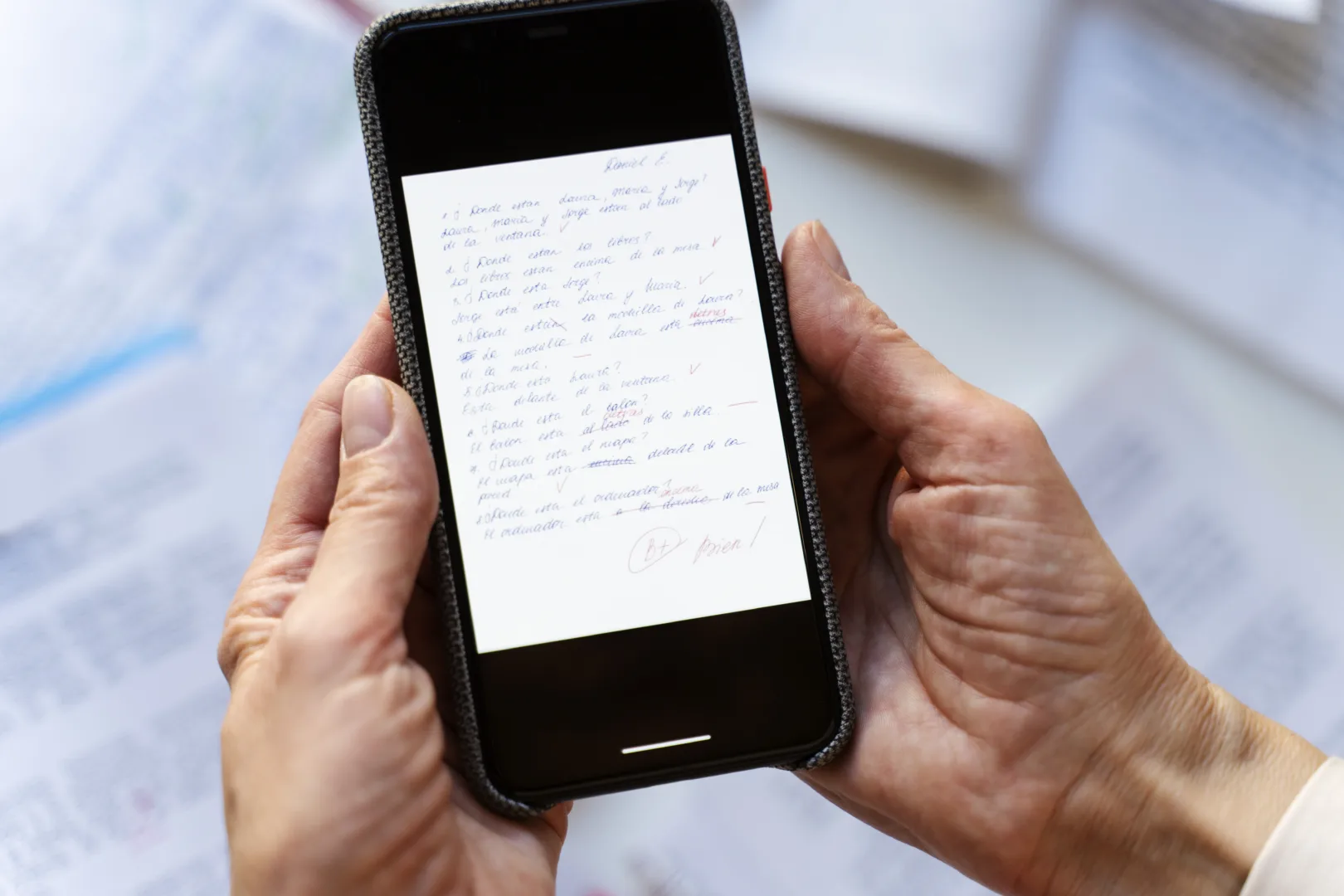
We discovered it far too late and thought it would be interesting to share this feature with you so you can get the most out of your smartphone. Specifically, today we look at an iPhone trick that lets you create PDF documents directly on your iPhone without using a computer. How? There is a completely free solution built into Apple’s operating system that lets you scan a document, fill it in and sign it, ready to send to the recipient. This feature lets you digitize sheets of paper, add handwritten initials and generate files in a universal format using nothing more than your phone’s screen, without spending a single penny on third-party apps. Let’s see how to do it.
The Notes app becomes a high-definition pocket scanner
You do not need to download any new software to use the shortcut we described in the introduction. The main tool is the Notes app, which comes as standard on every Apple device.
Opening any text page in this app and tapping the camera-shaped icon takes you to an advanced capture mode designed specifically for document management. When you frame a sheet of paper, the phone’s algorithm recognizes the edges of the page, crops out unwanted borders and automatically corrects the angle of the shot.

The system can then balance whites and blacks, removing distracting shadows from the room and producing a sharp, clear and perfectly legible visual result, identical to that obtained with professional office equipment.
Add your digital signature on the display with a simple touch
Once you have finished capturing the pages you need, the iPhone trick lets you handle the next administrative step: initialing the document.
Opening the preview of the newly digitized sheet lets you access the annotation tools built into the system. By selecting the option for handwriting, you can draw your handwritten signature directly on the display with your finger. The software lets you adjust the line thickness, change the ink color and resize the signature to position it with millimeter precision in the appropriate spaces on the form, ensuring maximum visual accuracy and the formal validity of the file.

In practice, you can already sign it digitally and have it ready to forward to the recipient. For certain documents, this feature is extremely convenient, especially if you are on vacation and do not have your computer with you.
Generate and export the final PDF file at no cost
The final piece that completes this self-contained workflow concerns converting and saving the material you have produced. Now we will see how to obtain the actual document after scanning it, filling it in and signing it digitally.
Through the familiar sharing menu in the app, the iPhone lets you convert the entire project into a standardized PDF file. This format ensures that the layout and text remain fixed and display correctly on any computer, tablet or smartphone the recipient uses.
The file can be stored instantly in the device’s local memory, uploaded to your cloud storage or sent by email or instant messaging, completing the entire document-management process in less than two minutes without ever touching a physical keyboard.